Contains affiliate links · Disclosure
Quiet under-desk ellipticals that fit a small apartment and a real desk, with who each one is for and who should skip it.
Updated October 2026Top picks
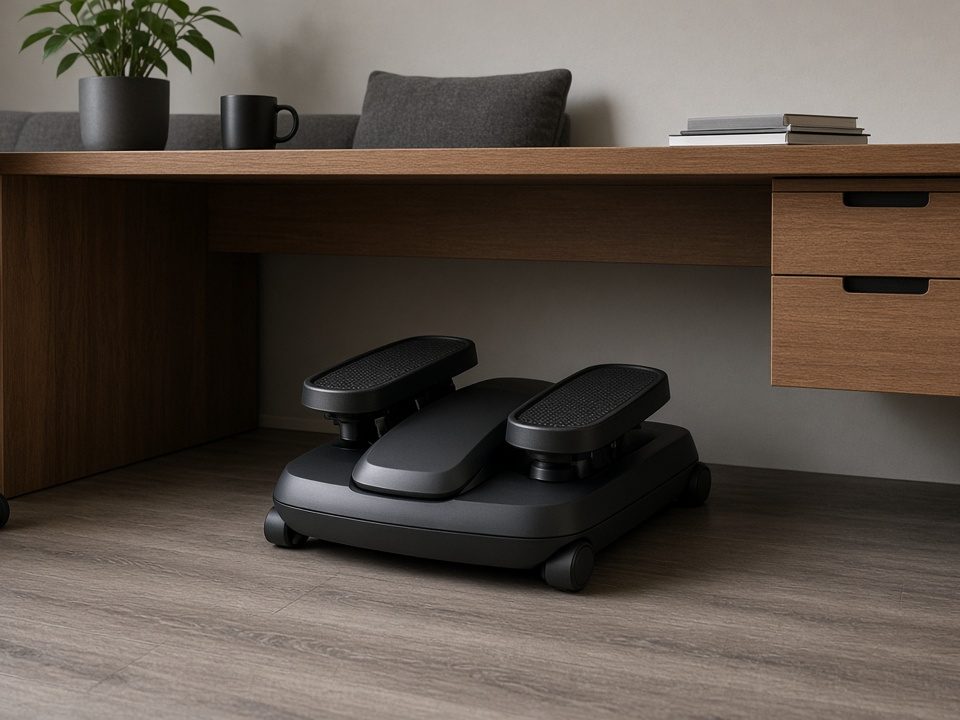
Sunny Health & Fitness Under-Desk Pedal Elliptical
A simple manual under-desk elliptical with adjustable tension and a huge review base.
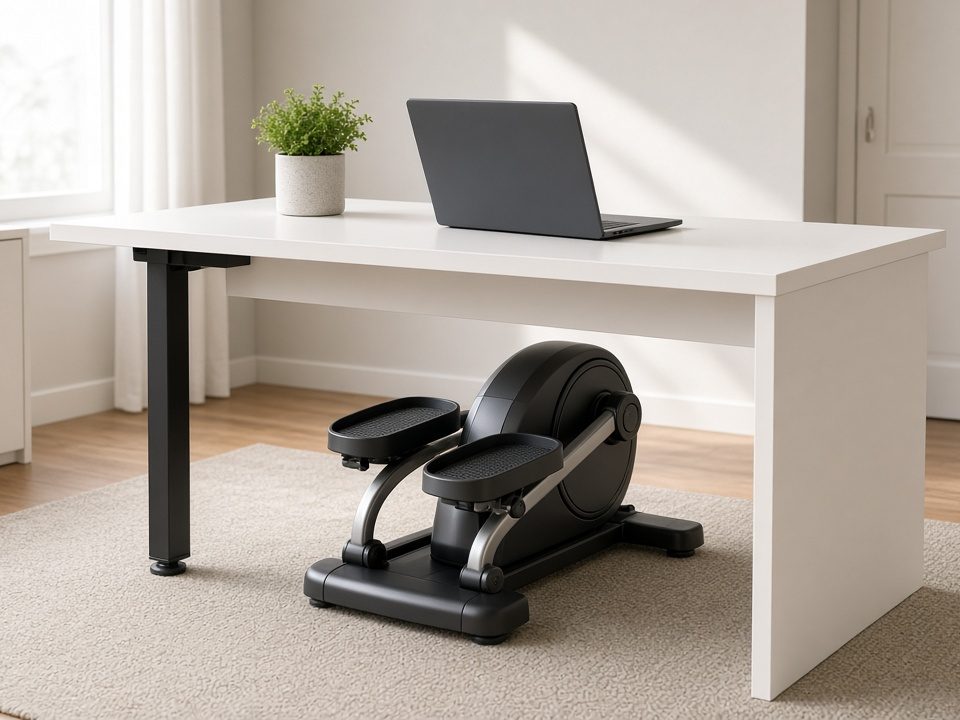
MERACH Under-Desk Elliptical
A compact seated frame at a value price.
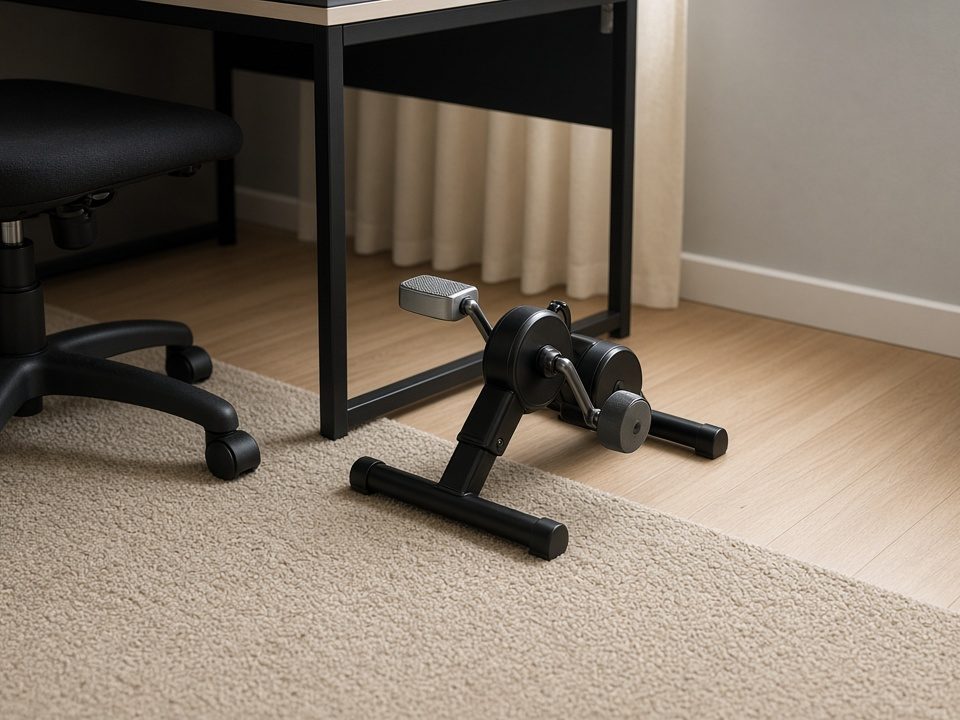
Cubii JR1 Under-Desk Elliptical
Smooth, quiet and very popular for work from home.
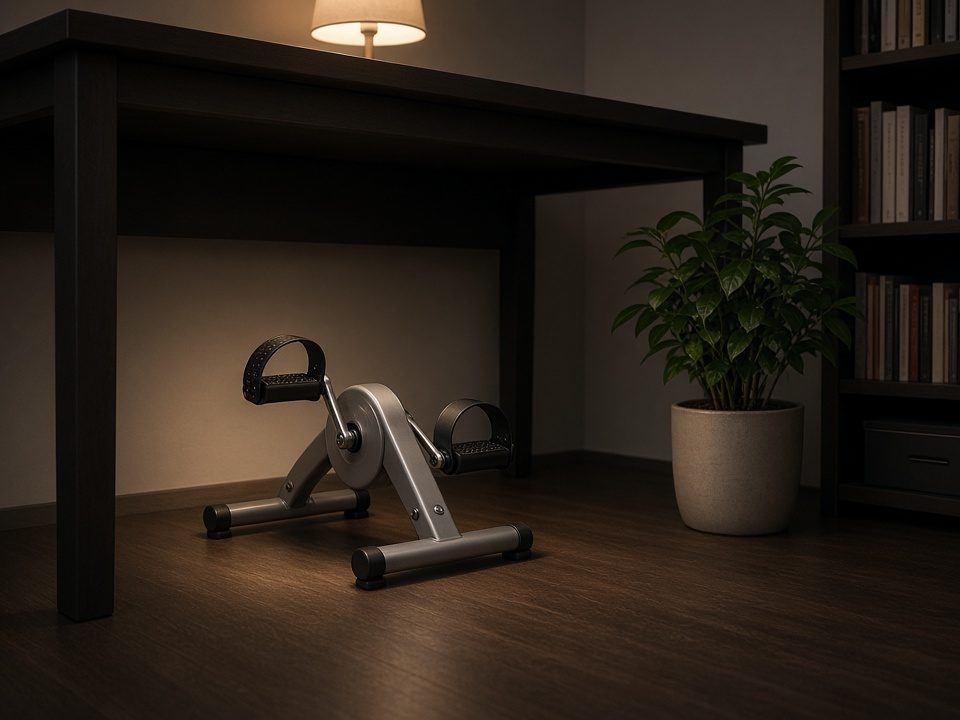
DeskCycle Ellipse Under-Desk Elliptical
Magnetic resistance up to 40 lb, very smooth and quiet.
Compare side by side
| Model | Best for | Key spec (listed) | Fit | |
|---|---|---|---|---|
| Sunny Health & Fitness | Best budget | Adjustable tension | Measure knee clearance | Check price |
| MERACH | Value alternative | Compact seated frame | Compare listed height | Check price |
| Cubii JR1 | Best-known brand | No app tracking | Compact | Check price |
| DeskCycle Ellipse | Magnetic upgrade | Magnetic resistance up to 40 lb | Measure knee clearance | Check price |
| Cubii Move (upgrade) | Compact Cubii | Light resistance | Compact | Check price |
Swipe sideways to see every column. Specs are as listed by the maker on the Amazon page. “See listing” means we don’t quote that number here, so check it before you buy.
At a glance
Resistance and clearance at a glance
Source: DeskCycle Ellipse resistance (“up to 40 lb”) as described in our guide; many units need roughly 9–12 inches of clearance, so confirm the listed height.
How loud is “quiet”?
Source: approximate everyday sound levels from public hearing-health guides such as CDC/NIOSH. Makers rarely list decibels (dB) for this kind of gear, so we don’t make up a number for any product.
A mat, daytime hours and slower speeds help more than the brand.
Working from home (or living in a small place) often means long stretches of sitting. An under-desk elliptical under $150 will not replace a full workout, but it can add low-impact movement during calls, reading, or evening TV — without clearing floor space for a big machine. This 2026 guide covers who it is for, apartment noise and clearance criteria, a three-tier shortlist, and FAQs.
Still torn between stride and pedals? See under-desk elliptical vs under-desk bike. Prefer standing steps instead? Compare walking pads under $300.
Who this guide is for
- People who sit for long blocks and want gentle movement without standing up every time
- Apartment or shared-floor households (low impact helps vs jumping or running)
- Shoppers with limited floor space who need something that stays under a desk or table
- Budgets staying under roughly $150 (stretch pick noted separately)
Skip this category for now if you need high-intensity training, heavy calorie-burn goals, or a full standing elliptical. Under-desk units are supplemental movement tools, not gym replacements.
What matters most under $150
- Real under-desk clearance: Measure floor to underside of desk (and keyboard tray). Many units need roughly 9–12 inches — confirm listing height. Chair roll/tilt room matters.
- Noise and vibration: “Quiet” is relative. Mine recent reviews for humming, clicking, grinding, and floor transfer. A thin mat under the unit helps floors and neighbors.
- Manual vs motorized: Manual (you power the pedals) is usually cheaper with fewer electronics to fail. Motorized can feel more automatic but adds cord reach and motor noise.
- Stability and floor protection: Wide non-slip feet plus a mat on hardwood.
- Resistance you can feel: Enough tension that easy strides are not floppy and harder strides stay smooth — ignore inflated “16 levels” marketing.
- Display (nice-to-have): Time / strides is enough. App gimmicks rarely justify the spend at this price.
- Returns and warranty: Longevity varies wildly under $150 — prefer clear returns.
How to use one without wrecking your workday
- Start with 10–15 minutes during low-focus tasks (email triage, listening-heavy meetings).
- Sit tall; do not hunch to watch the display.
- Match stride speed to comfort — racing under a desk usually means more noise and worse form.
- Pair with standing breaks and short walks; elliptical ≠ substitute for getting up.
- Evening TV sessions work well if daytime focus suffers with pedaling.
For seated posture resets, add our 10-minute desk break mobility routine.
Quick comparison
| Tier | Example pick | Best for | Apartment note |
|---|---|---|---|
| Best under $150 | Sunny Health & Fitness under-desk elliptical | Brand-name value in the target band | Confirm exact model height vs your desk |
| Best budget | MERACH under-desk elliptical | Features without spending $150 | Read recent noise reviews; use a mat |
| Stretch / category leader | Cubii JR1 | Shoppers who can stretch for a known quiet-ish leader | Only if clearance and budget allow |
Listings rotate. Verify live Amazon price, height, and return window before you buy.
Pick 1 — Best under $150: Sunny Health & Fitness under-desk elliptical
A solid brand-name pick in the under-$150 range for most WFH desks. Confirm the exact model on the listing — packaging and ASINs update.
- Why it fits apartments: Compact footprint, familiar brand support, stays under the desk when not in deep storage.
- Watch-outs: Measure clearance. Skim reviews for vibration on hardwood.
- Best use: Calls, reading, and evening low-intensity sessions.
Check Sunny under-desk elliptical on Amazon
Fallback: search Sunny under desk elliptical.
Pick 2 — Best budget: MERACH under-desk elliptical
Strong review volume at a lower entry price. Good starter if you want to test the habit without spending near $150.
- Why it fits apartments: Smaller spend if you abandon it after two weeks; still desk-sized.
- Watch-outs: Budget units vary in smoothness — trust recent noise comments over star averages.
- Best use: First under-desk elliptical to learn what clearance and resistance you like.
Check MERACH under-desk elliptical on Amazon
Browse: under desk ellipticals under $150.
Pick 3 — Stretch: Cubii JR1 (stretch pick)
Cubii JR1 is a category leader many reviewers mention for smoother, quieter seated motion — but it can sit above the budget target. Include it only if you can stretch and your desk clearance matches.
- Why it fits: Strong reputation in the under-desk elliptical lane.
- Watch-outs: Price creep; confirm current ASIN and dimensions.
- Best use: Daily seated movement when budget can flex.
Fallback: search Cubii JR1.
Apartment tips that beat marketing
- Put a thin mat or appliance pad underneath on hardwood.
- Keep intensity moderate during shared quiet hours.
- These tools complement walking and strength work — they do not replace them. Try our 15-minute no-jump workout.
- More gear shortlists: equipment hub.
FAQ
Will an under-desk elliptical bother downstairs neighbors?
Usually less than jumping or treadmill running, but vibration can still travel. Use a mat, avoid frantic speeds, and test during your real work hours.
Manual or motorized under $150?
Manual is the practical default for most people — fewer failure points and often quieter electronics.
Elliptical or under-desk bike?
Elliptical-style stride vs bike pedals is preference and clearance. Use our vs guide before you buy both.
Can this replace walking?
No. Treat it as bonus movement. Standing breaks and real walks still matter.
Biggest buying mistake?
Skipping desk-height measurement and assuming “quiet” means silent.
Related guides
- Under-Desk Elliptical vs Under-Desk Bike
- Best Walking Pads Under $300
- Best Foldable Treadmills Under $400
- 10-Minute Desk Break Mobility
- Equipment hub
Also see: quiet / cordless jump ropes for apartments — cordless for upstairs, beaded only with clearance.
Also see: quiet mini steppers for apartments — standing stair-cardio with a mat; quieter than rope work, smaller than a walking pad.
Bottom line
Under $150, buy for clearance, smooth resistance, and honest noise expectations. Sunny-class for brand value in-band, MERACH-class to test the habit cheaply, Cubii if you can stretch. Measure the desk, add a mat, start with short sessions — and keep real walks and quiet strength work in the mix.
Worth-the-upgrade apartment picks (watch these for Black Friday)
Higher-ticket options that still fit small spaces. Only buy if the price drops into your budget and the size fits.
| Best for | Pick | Why | Price |
|---|---|---|---|
| Smooth magnetic upgrade | DeskCycle Ellipse Under-Desk Elliptical (magnetic) | DeskCycle Ellipse: magnetic resistance up to 40 lb, very smooth and quiet.Skip it if your desk is low. Measure knee clearance at the top of the stroke first. | Check price on Amazon |
| Cubii upgrade | Cubii Move Under-Desk Elliptical | Cubii Move: Cubii’s compact seated elliptical.Skip it if you need heavy resistance. | Check price on Amazon |
Black Friday & January deal tips (apartment edition)
- Know the dates: Black Friday is Friday, Nov 27, 2026 and Cyber Monday is Nov 30. Amazon deals often start earlier that week. Bookmark the picks on this page and check them daily.
- Check price history before trusting a “deal” badge. Free trackers like camelcamelcamel or Keepa show whether today’s price is actually low.
- Measure first: floor space, storage slot (under-bed, sofa or desk height), and the delivery path (stairs, elevator, door width). A discount on the wrong size isn’t a deal.
- Check who sells it. Look at “Ships from / Sold by” and the warranty. Prefer the brand’s own store or Amazon for big items.
- Read the return window on the listing. Holiday purchases often get extended returns, but check the exact date, and whether heavy items need a scheduled pickup.
- Budget the mat in the same order. Treadmills, pads and bikes on hardwood need one. See our treadmill mat guide.
- Missed it? January’s New Year fitness rush is the next common sale window, but stock gets thin. Set a price alert rather than grabbing an unresearched substitute.
We don’t publish prices or “% off” claims here because Amazon prices change constantly. Always confirm the live price.
Related guides: Under-desk elliptical vs under-desk bike · Quiet mini steppers · Foldable exercise bikes
Affiliate disclosure: As an Amazon Associate, Fit Life Guides earns from qualifying purchases (tag Fitlifeguides-20) at no extra cost to you. We don’t list prices because they change constantly; tap “Check price on Amazon” to see today’s. Full disclosure.